Best Invoice Solutions for Carriers: A Category Guide
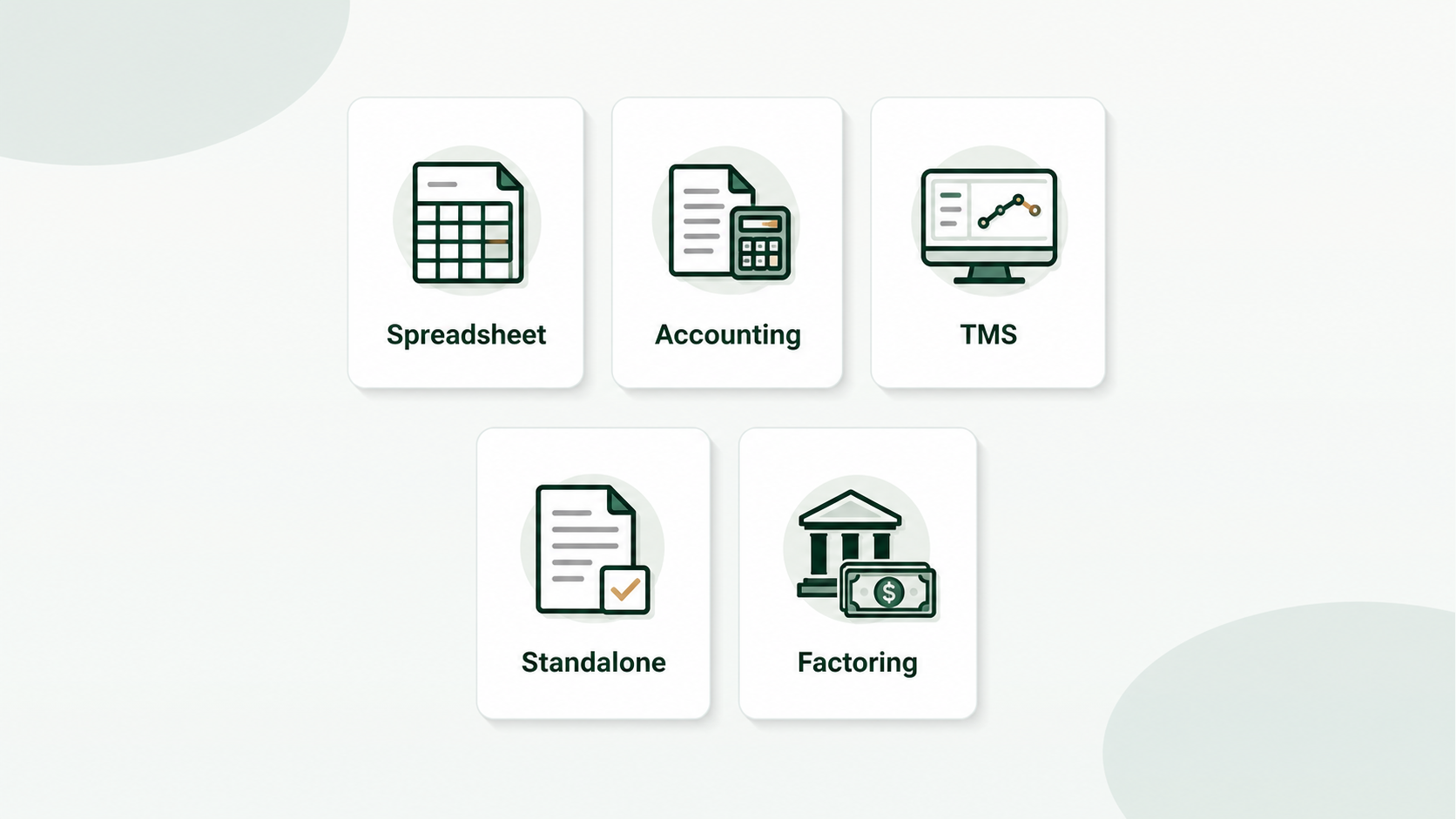
Invoicing technologies are everywhere. But most weren’t designed with a carrier’s workflow in mind. Owner-operators spend weeks testing options that turn out to be accounting suites, broker platforms or full TMS systems when all they really need is faster invoice creation. Carrier invoice solutions come in five flavors with varied strengths, costs, and tradeoffs depending on your fleet size and volume. In this article, we do an honest comparison of each area so you may avoid the trial-and-error and pick the right strategy.
The right solution isn’t always a software solution. If you’re a low-volume user, a free spreadsheet may be the right tool. On the other hand, if dispatching and settlements are part of the same process, a Transportation Management System (TMS) can be the best option. The big mistake is to choose a tool based on how many features it has, rather than on solving the unique billing problem you have.
Can Spreadsheets Manage Trucking Invoices?
Yes, for 1 to 10 loads a week. A solid Excel or Google Sheets template is free, adaptable, and good enough for modest volume.
I used a spreadsheet template from a trucking forum for the first 18 months. It worked until I was up to 15 loads a week and making copy-paste errors – wrong load number on the wrong invoice, shipper address from a prior load left in by mistake. One invoice was returned incorrectly, delaying $3,200 payment by 3 weeks. How does it work: Create an invoice template in Excel or Google Sheets that has your carrier information already filled in. For each load you enter the load details from the rate confirmation manually, save as a PDF and email to the broker.
Advantages:
- Free of monthly fee
- Fully customized - build any layout you desire
- No learning curve – if you can use a spreadsheet you can use this
- Offline operation Disadvantages:
- Manual entry for each field, 10-15 minutes per invoice
- No rate confirmation data extraction
- Copy-paste errors are common and cause rejections
- Do not merge BOL – attach BOL separately
- Single invoice processing – no batch processing
- No tracking built in – require separate log
Best for: New carriers starting out, very low volume (under 10 loads/week), carriers who desire zero software expenditures.
Upgrade signal: If you’re spending more than an hour a week creating invoices, or if you’ve ever had invoices rejected due to data input problems, you’ve outgrown spreadsheets.
Is General Accounting Software Suited for Freight Invoicing?
Somewhat. Tools like QuickBooks can generate invoices and track payments, but they don’t grasp rate confirmations, BOLs, or trucking-specific information such as MC codes and load numbers.
I used QuickBooks for 2 years. It was good for tracking income and expenses, providing profit/loss reports, and making tax season less stressful. It was a nicer spreadsheet for trucking invoicing, but I still had to fill in each field from the rate table by hand.
How it works: You establish customers (brokers), develop invoice templates that include your firm info, and manually input load info for each invoice. Now integrated payment tracking. You’ll find several accounting software that link to bank feeds and match transactions automatically.
Pros:
- Create invoices, track payments and report taxes, all in one spot
- well designed invoice templates
- Matching payments via bank feed integration
- Mature, well-maintained software
Cons:- No rate with extraction — you’re still inputting each field manually
- Templates are generic – No trucking-specific information (MC#, DOT#, load #) unless you substantially edit
- BOL merging not enabled - separate attachments
- No batch processing for several loadings
- $15-50 per month for things you might not fully use
- This is overkill if you already use an accountant to handle your accounting
Best for: Carriers that need invoicing and accounting all in one place, have an accountant that handles QuickBooks, or need tax reporting capabilities along with billing.
Upgrade signal: If you’re entering a lot of data into your accounting program, or you require BOL merging and batch processing, a dedicated invoicing application in addition to your accounting software will save you more time than switching accounting systems.
Can Carriers Use a TMS for Billing?
Only if you additionally need dispatch, load management and compliance tracking. A TMS is overkill if billing is your only pain point.
I took a popular TMS on a 14-day test drive. The module for billing was solid. It extracted load data from the dispatch system and created bills automatically. But I was paying $120/month and 90% of the package was things I never utilized like dispatch, compliance and fleet management. It was like renting a warehouse to store a tools.
How it works: A Transportation Management System (TMS) manages your whole operation – load board, dispatch, tracking, invoicing, compliance, reporting. The invoicing is a module that takes the data from the dispatch system and creates invoices automatically.
Advantages:
- Invoicing uses data already in the system from dispatch - fewer manual entering
- One platform for all operational management
- Integrated payments tracking, aging reports and financial reporting
- Factoring integration offered by several TMS platforms
- Struggles with increasing fleets
Cons:
- Costly – $50-200+/month, sometimes per-truck pricing
- Complicated setup and learning curve (days to weeks)
- You pay for dispatch, compliance and fleet features even if you don’t use them
- Most TMS platforms are broker-focused, not carrier-focused
- There are hefty switching fees once you commit
Best for: Carriers with 5+ vehicles looking for a one-stop shop for operations. Fleets that need dispatch, invoicing, compliance and driver administration all in one solution.
Signal upgrade (TMS to specialist tooling): Spending too much on a TMS that you are only using for invoicing and not using a majority of the other modules? Think about one invoicing instrument for a fraction of the cost.
And What About Invoice Automation Alone?
Standalone tools accomplish only one thing - convert your load board documents into completed invoices—without the overhead of a comprehensive platform. Best for carriers who handle their loads themselves but need their billing done faster.
This is the category that finally makes sense for my workflow. My cargoes were already taken care of between DAT, phone calls with brokers and a notebook in my cab. I didn’t need another platform to take loads. I need the papers done.
How do they work? You upload a rate confirmation (PDF or a photo taken with your phone). AI captures the cargo data – shipper, consignee, dates, rates, load number. The gathered data is utilized to populate your own invoice template. You examine, attach the BOL and download a complete billing bundle as a combined PDF.
Benefits:
- Designed for the billing bottleneck – fast, targeted, no bloat
- No manual data entering, AI extraction
- Custom template support – build your format, not theirs
- BOL combine into one-file billing package
- Processing multi-load batch billing sessions
- Inexpensive - often $20-50/month
- works on phone browsers - bill from the road
- Quick to install - minutes, not days
Cons:
- No load management, dispatch or compliance features
- Payment monitoring is rudimentary (if at all)
- No accounting connectivity with most tools
- Newer category – fewer items to offer
- AI extraction not 100% accurate on bad quality docs
Best for: Owner-operators and small fleets (1-10 vehicles) who do things their own way and want faster, cleaner billing.
CarrierInvoice is one of those—upload rate cons, AI pulls data, fill your own template, download a combined billing package. Try with 10 free scans.
Do Factoring Company Portals Qualify as Invoice Solutions?
Factoring firms provide you a submission portal where you can send invoices and supporting papers to get paid early — but you still have to construct the invoice yourself before posting it.
even when I factor, I’m still spending the same amount of time on making invoices. The factoring company accelerated payment (an advance within 24 hours instead of Net 30), however they did not help at all with the billing papers. I still had to make a clean invoice, attach the signed BOL and upload everything to their site. Just like a broker, the factoring company would send the invoice back if it had mistakes.
How it works: You prepare your invoice and related documentation (BOL, rate agreement). You upload everything to the portal of the factoring company. They check the credit of the broker, provide you 90-97% of the value of the invoice and then collect from the broker. The broker gives you the reserve minus the factoring fee (usually 1.5-5%).
Pros:
- Instant cash flow – money in your pocket within 24 hours
- No waiting on Net 30/45/60 conditions
- The factoring company is in charge of collecting
- Protects you from non payment through credit checks on brokers
Cons:
- Costs 1.5-5% per invoice — material at volume
- You still create the invoice manually — no automation
- Minimum quantities/contracts may apply
- Some factoring businesses restrict the brokers you can haul for
- Doesn’t fix the invoice generating problem, just the payment timing problem
Ideal for: New carriers having to be paid without cash reserves. Haulers for brokers that pay slowly. Operations are growing faster than receivables can keep up.
The takeaway: Factoring and invoicing automation are not the same solution. Factoring answers the problem of when you are paid. Invoice automation impacts how quickly and accurately you are paid. Many carriers do both—an invoicing service to generate clean invoices quickly, then a factoring company to get paid on those invoices faster. They are complementary, not either/or.
Side-by-Side Comparison
| Category | Best For | Monthly Cost | AI Extraction? | Custom Template? | BOL Merge? | Batch? |
|---|---|---|---|---|---|---|
| Spreadsheets | <10 loads/week | Free | No | Yes (manual) | No | No |
| Accounting Software | Tax + tracking focus | $15-50 | No | Limited | No | No |
| TMS with Billing | 10+ trucks, full ops | $50-200+ | Some | Varies | Varies | Yes |
| Standalone Automation | Billing speed focus | $20-50 | Yes | Yes | Yes | Yes |
| Factoring Portal | Cash flow priority | 1.5-5%/invoice | No | No | No | No |
| If This Is Your Main Problem | Start Here |
|---|---|
| ”I only run a few loads and need something free” | Spreadsheet or free template |
| ”I need tax reports and income tracking” | Accounting software |
| ”My dispatch, drivers, settlements, and billing need one system” | TMS |
| ”I already manage loads fine, but invoice creation is slow” | Standalone invoice automation |
| ”I need cash before Net 30 or Net 45 clears” | Factoring, with clean invoice creation beside it |
How to Choose?
There is no one optimal answer - there is the right category for your case. Be honest about what problem you are tackling. Be honest about what volume you are running.
If you’re hauling less than 10 loads a week and counting every dollar, begin with a spreadsheet template. If you need invoicing and accounting in one tool, try QuickBooks. If you’re running a fleet and need complete operations management, a TMS is a smart investment. If your sole pain is the time it takes to create invoices and you want it addressed fast, standalone automation provides you the greatest bang for the buck.
Unsure where to start? Free trucking invoice template - See how much time you’re actually spending. Anything takes longer than a couple minutes per load? There is a better approach.