TMS vs. Invoice Software: What Do You Actually Need?
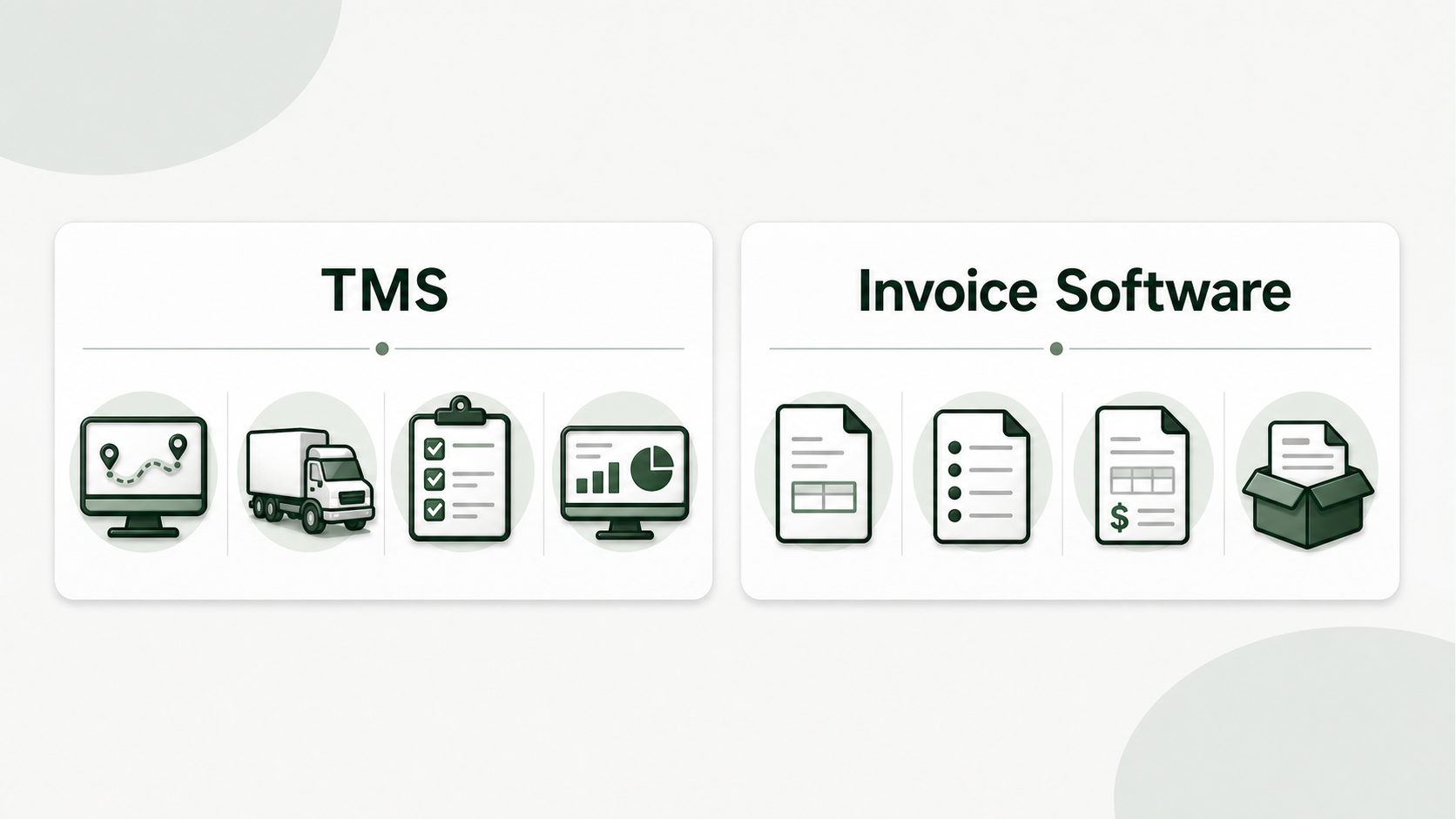
Every “best trucking software” list emphasizes a TMS – but if your primary concern is invoicing, you’re in the wrong lane. A comprehensive Transportation Management System costs $50-200+ a month with dispatch, compliance and fleet management functions that a 1-5 truck firm will never open. Meantime, the billing module is a tab buried inside. A TMS will run your whole trucking operation. Invoice software accomplishes one thing. It converts your load documents into completed invoices. The proper answer depends on what question you’re really asking. This comparison lets you decide which category is best for your organization without paying for features you don’t need.
Quick comparison: TMS versus Invoice Software
A TMS is best when you need dispatch, load tracking, driver compensation, compliance and billing all from the same system. Invoice software is best when your organization already has a mechanism to book and manage loads, but billing is excessively slow or error-prone.
| Situation | Better Fit | Why |
|---|---|---|
| Solo owner-operator booking loads by phone, email, DAT, or Truckstop | Invoice software | Billing is the bottleneck, not dispatch infrastructure |
| Small fleet where one person dispatches and invoices | Depends | Use invoice software if billing is the only pain; use a TMS if dispatch handoffs are messy |
| Dispatcher-led fleet with driver settlements and compliance tracking | TMS | Shared operations data matters more than a narrow billing workflow |
| Carrier paying for a TMS but only using the invoice tab | Invoice software | The operation is carrying software cost without using the broader system |
What Is a Transportation Management System (TMS)?
A Transportation Management System (TMS) does dispatch, load planning, invoicing, driver management, compliance tracking, reporting and occasionally accounting. It’s the operating system for a trucking company.
The first TMS I tried had 47 menu choices . I had three of those. The others sat about making me feel like I was paying too much for something I was under-using – and I was.
Core modules of TMS:
- Dispatch —assign loads to vehicles and drivers, track status
- Capacity planning (see load boards, manage bookings, track capacity)
- Invoicing — create invoices from load data in the system
- Driver management — payroll, hours of duty, document tracking
- Compliance — IFTA filings, drug testing data, authority management
- Reporting — lane analysis, profitability tracking, revenue per mile
- Accounting integration — connect with QuickBooks, export financials
A TMS makes sense when you want all these pieces to talk to each other. When your dispatcher books a load, the system keeps track, loads the data into invoices and calculates driver payouts and logs IFTA kilometers - automatically. That integration is where a TMS really brings value. The invoicing element alone doesn’t justify the price.
For whom TMS platforms are built:
Most TMS solutions are built for fleets ranging from 5 to 50+ vehicles. The pricing is based on per-truck or per-user costs, which assume you’re distributing the expense across a fleet. You are paying fleet prices for one truck as a single truck owner operator.
What Does Standalone Invoice Software Do?
It will take your rate confirmations, pull out the load data, fill in your invoice template, attach the BOL, and give you a billing bundle ready to dispatch. And that’s all, no dispatching, no compliance, no fleet tracking.
I changed from using a TMS for invoicing to a dedicated invoice tool and my weekly billing time went from 3 hours to 40 minutes. Less features, but the features it had were just what I needed.
Features of invoice software:
- Upload Document — drop rate confirmations (PDF or photo on phone)
- AI extraction — Automatically extract shipper, consignee, dates, rates, load number from rate con
- Template filling – collected data is placed into your own invoice layout, not a generic template
- BOL merge — combine invoice + BOL + rate con into one billing bundle PDF
- Batch processing — upload several rate cons and process them as a batch
What it does not:
- No loading nor booking of loads
- No driver management or pay outs
- No tracking-compliance or IFTA
- No route optimization, no GPS tracking
- No complete accounting and tax reporting
And that’s the thing. “If you’re not looking for those features, then you shouldn’t be paying for them.
When is a TMS More Appropriate?
You have several trucks, multiple drivers, you want centralized dispatch, you want everything in one platform. The break point is usually 5 to 10 trucks.
A friend of mine that runs 12 trucks swears by his TMS. He does dispatch, IFTA tracking, driver settlements, invoicing everyday. “The $150/month is well worth the investment for him. Each module saves him time in his operation.” The dispatcher books loads. The system creates invoices based on the booking data and driver payouts are generated automatically. Without a TMS that workflow will fall apart.
When is a TMS worth it?
- You have 5+ trucks with various drivers who need dispatch coordination
- You need driver settlements – pay by load, per mile or percentage calculation
- IFTA reporting takes hours per quarter
- You want one system for dispatch, billing, compliance and reporting
- Your dispatcher books loads that should be automatically invoiced
- You are analyzing lane profitability and need revenue-per-mile data
A TMS is not worth it if:
- You are an owner operator or you operate 1-3 trucks with family members driving
- You locate loads yourself on DAT, Truckstop or via direct partnerships
- You send out by phone/text and don’t need a software system for it
- Your only software headache is the time it takes to make invoices
- You already have accounting done independently (QuickBooks, accountant)
- $100-200/month is a big line item for your operation
When Is Invoice Software the Right Choice?
If your bottleneck is billing and everything else is in place — a phone or email dispatch, a load board, or your own systems. Then a targeted billing tool is usually the cleanest match.
I get loads on DAT, confirm the specifics over the phone and then dispatch personally. The only thing that was eating up my time was paperwork following delivery. Invoice software that solves that, and nothing else.
When you want invoicing software:
- Invoicing is your #1 time sink — you spend 5+ hours/week on billing paperwork
- You manage loads your way - load boards, phone, direct broker partnerships
- You have a small fleet - (1-5 trucks) and do the dispatching yourself
- You want to save money — $25/month solves your problem
- You need mobile billing - Create your bills from your phone, soon after delivery
- Your template is important - brokers want your personal template, not a generic one
- Save time with batch processing – do a week’s worth of loads in one sitting
The cost difference is real:
| TMS | Invoice Software | |
|---|---|---|
| Monthly cost | $50-200+ | $20-50 |
| Annual cost | $600-2,400+ | $240-600 |
| Setup time | Days to weeks | Minutes |
| Features used (solo operator) | 10-20% | 90-100% |
| Per-truck pricing | Common | Rare |
If you’re a solitary owner-operator paying $150 a month for a TMS and just using the invoice tab, switching to a $25 a month invoice tool saves you $1,500 a year — plus you’ll probably bill faster because the tool is focused on exactly what you’re doing.
Can You Start With Invoice Software and Then Add a TMS?
Yes, and most often, it’s the smartest road. Solve the immediate pain cheaply and see if you need a full platform for your growth.
I began off with invoice automation only. Now two years later I’m considering adding a second vehicle and looking into TMS alternatives again. But I am happy I did not spend $150/month for two years on solo — that would be $3,600 spent on features I never opened.
The route of growth approach:
- Start with invoice automation – Unplug the billing bottleneck for $25/month
- Add accounting sw separately — QuickBooks does income tracking and tax prep
- Assess TMS at trigger point – when you add drivers, need dispatch coordination, or IFTA starts hurting
- Migrate when the arithmetic makes sense – a TMS makes sense when the time saved across several modules outweighs the cost across your fleet
What drives the TMS upgrade:
- First non-family driver and dispatch cooperation needed
- Automation needed to keep driver settlements manageable
- IFTA reporting exceeds 2 hours per quarter
- You want to examine profitability of lanes over several vehicles
- You need load-to-invoice automation inside a dispatching system
Until those triggers happen, invoice software accomplishes the work for a fraction of the expense.
Side-by-Side Comparison
| TMS | Invoice Software | |
|---|---|---|
| Core function | Full operations management | Invoice creation and automation |
| Typical cost | $50-200+/month | $20-50/month |
| Best fleet size | 5-50+ trucks | 1-10 trucks |
| Invoicing capability | Built-in (one of many modules) | Core focus (the whole product) |
| Learning curve | Days to weeks | Minutes to hours |
| Dispatch included | Yes | No |
| Compliance/IFTA | Yes | No |
| AI rate con extraction | Some platforms, varies | Yes (dedicated feature) |
| Custom invoice templates | Limited in most | Yes (upload your own) |
| BOL merge | Varies | Yes (standard feature) |
| Batch processing | Yes | Yes |
| Mobile billing | Some platforms | Yes (browser-based) |
| When to choose | You need the whole platform | You just need faster billing |
Which One Should I Start With?
TMS and invoicing software tackle distinct problems, at different scales. Don’t assume that a fleet management platform is the answer to your invoicing problem and don’t expect an invoicing solution to operate your dispatch.
If you run 1-5 vehicles and your bottleneck is the time it takes to make clear invoices from rate confirmations, start with invoice software. Cheaper, faster to set up and aimed at just what you need. A TMS pays for itself when you expand your company to the point where you need to coordinate dispatches, settle with drivers and track compliance on a daily basis.
If invoicing is your bottleneck, give CarrierInvoice a try — 10 free scans, no credit card.